Blog
Check Poster Download Resolution Before Printing
Nov
To learn how to check image resolution before printing a poster download, start with its pixel dimensions and your intended paper size. Divide pixels by inches to find the pixels per inch, then inspect the artwork for softness before printing.
These checks help you choose a sensible size for printable poster downloads without using a full sheet of paper on an uncertain result.

Find the dimensions of your download
For a JPEG or PNG, look for the width and height in pixels, rather than relying on the file size in megabytes. A large file is not necessarily a high-resolution image; compression and file format also affect its size.
On Windows, right-click the file, open Properties and look under Details for its dimensions. On a Mac, open it in Preview and use Tools, then Show Inspector, to see the image dimensions. An image editor can also show the pixel width and height.
If your download is a PDF, check its page size in the PDF viewer. A PDF can contain pixel-based images, vector artwork or both, so its page dimensions alone do not establish the quality of an enlarged print. Inspect the artwork closely and make a test print.
For example, the Edgar Albert Guest Poem Quote Print – The Proof of Worth PRINTABLE DOWNLOAD is listed with an 18 × 24 inch base size. Check the actual file dimensions before calculating its PPI at a different size.

Calculate PPI at your intended print size
Pixels per inch, or PPI, tells you how densely the image pixels will be placed on paper. Divide the pixel width by the intended print width in inches, then do the same for the height.
For example, a 3,600 × 4,800 pixel image printed at 12 × 16 inches gives 300 PPI on both sides. At 18 × 24 inches it gives 200 PPI; at 24 × 32 inches it gives 150 PPI.
Around 300 PPI is a useful target for a detailed print viewed close up. A larger poster viewed from across a room may look good at 150–200 PPI, but the artwork and viewing distance matter. Fine lettering may reveal softness sooner than broad areas of colour.
PPI describes the image, not the printer’s advertised DPI. Changing a resolution number in an editor without adding pixels changes the suggested print size, not the detail available.

Preview detail and print a test crop
Open the file at 100% zoom and inspect lettering, faces and edges for blur, blockiness or compression artefacts. This view shows individual image pixels, but it does not necessarily show the physical size they will be on your print.
Enlarging a small image with resampling adds estimated pixels; it cannot reliably recover detail that was not captured in the file. Some softness or texture may also be part of the artwork, so compare a few areas before deciding whether it bothers you.
For a practical check, set up the image at your intended poster size and print a small, detailed crop at actual size on the paper you plan to use. Do not select ‘fit to page’ for the crop: that would change its scale. View the sample from the distance at which you expect to see the poster.
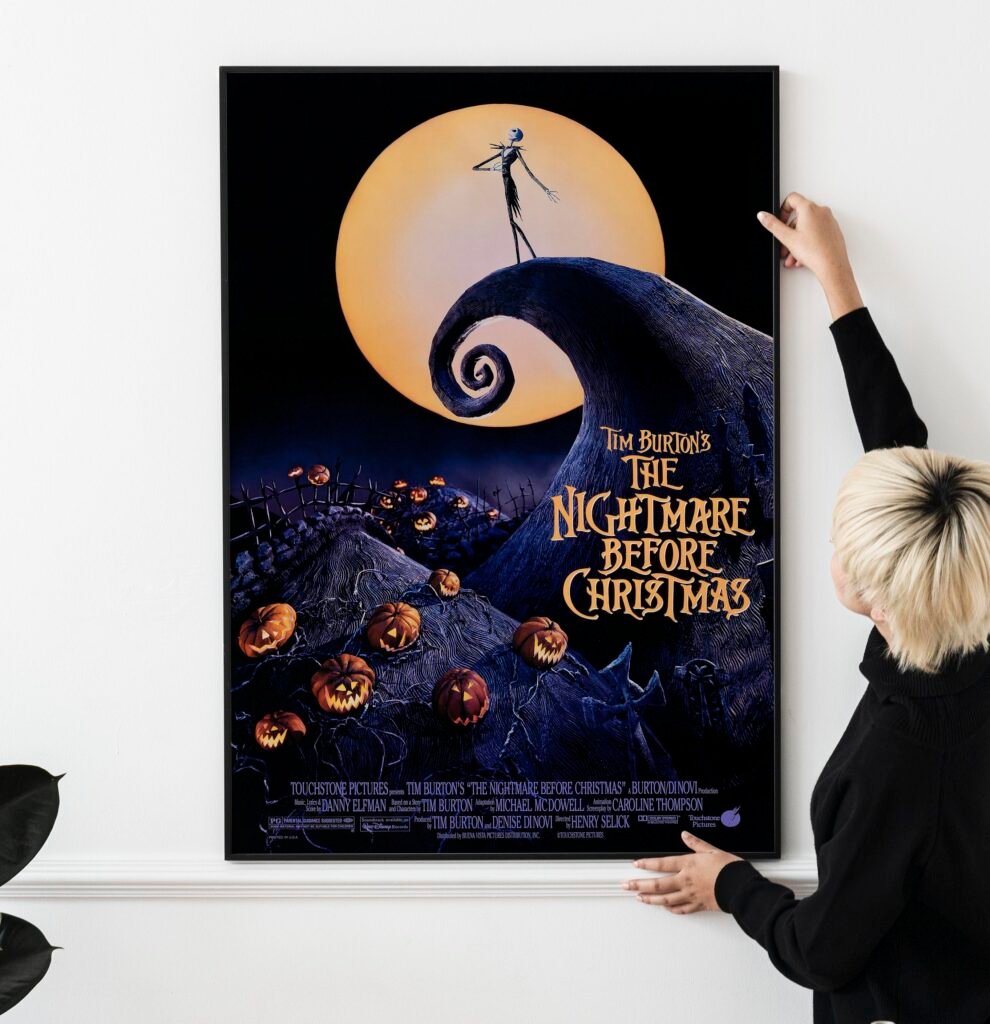
This is useful for a movie download such as The Nightmare Before Christmas Tim Burton Movie Poster: inspect the file itself rather than assuming that a product image on screen shows print quality.
Match the file to paper and frame
Match the image proportions to your paper or frame before printing. An 18 × 24 inch image has a 3:4 ratio; an 8 × 10 inch sheet has a 4:5 ratio. Filling that sheet would crop part of the image, while fitting the whole image would leave borders.
Check your printer’s maximum paper size and preview the result with borders and orientation visible. For a home print, a smooth, matte paper around 180–230 gsm is a useful starting point, provided your printer accepts that weight.
If the file looks soft at your chosen size, try a smaller print or ask about a larger file rather than stretching it. If you prefer not to print at home, consider whether a download or a print better suits your equipment and framing plans.
Shop the collection
 Edgar Albert Guest Poem Quote Print – The Proof of Worth PRINTABLE DOWNLOAD$5.50
- The Beatles' Psychedelic World: Unraveling Magical Mystery Tour 1967 Price range: $5.50 through $230.00
- THE GIRL WITH THE DRAGON TATTOO 2010 Price range: $5.50 through $230.00
- Steve McQueen Bullitt 1968 – Custom Special Poster Print Price range: $5.50 through $230.00


Frequently asked questions
Is 300 PPI necessary for every poster?
No. It is a useful target for close viewing, but a lower PPI can look acceptable on a larger poster viewed from across a room. Check the detail and print a sample before deciding.
Can I print a poster download on A4 paper?
Yes, if your printer accepts the file and you are happy with the reduced size. Check the print preview: different proportions may leave borders or crop the artwork.
Find artwork to print
Explore printable artwork and check the file against your intended paper and print size.